
Gramiewer
Features
Explore public Instagram profiles, bios, profile images, followers, and stories through a fast, clean, and privacy-focused viewer experience.


Explore Instagram Profiles Seamlessly
A complete set of tools designed for a modern, privacy-focused Instagram profile viewing workflow.
Gramiewer
View public Instagram profiles in a clean layout with quick navigation across profile details and highlights.
Profile Preview
Display username, bio, and profile stats in an easy-to-read interface for instant reference.
Mobile Optimized Design
Works smoothly across phones, tablets, and desktop screens with responsive layouts.
Fast Loading Experience
Lightweight layout built for quick access and smooth browsing on any connection.
Simple Search Interface
Use a streamlined search input to find public Instagram usernames quickly and accurately.
Clean Result Dashboard
View search results in a professional dashboard with organized sections for profile insights.
All Gramiewer Tools Overview
Explore all Gramiewer tools for profile viewing, image access, follower analysis, page browsing, and story viewing in one place.
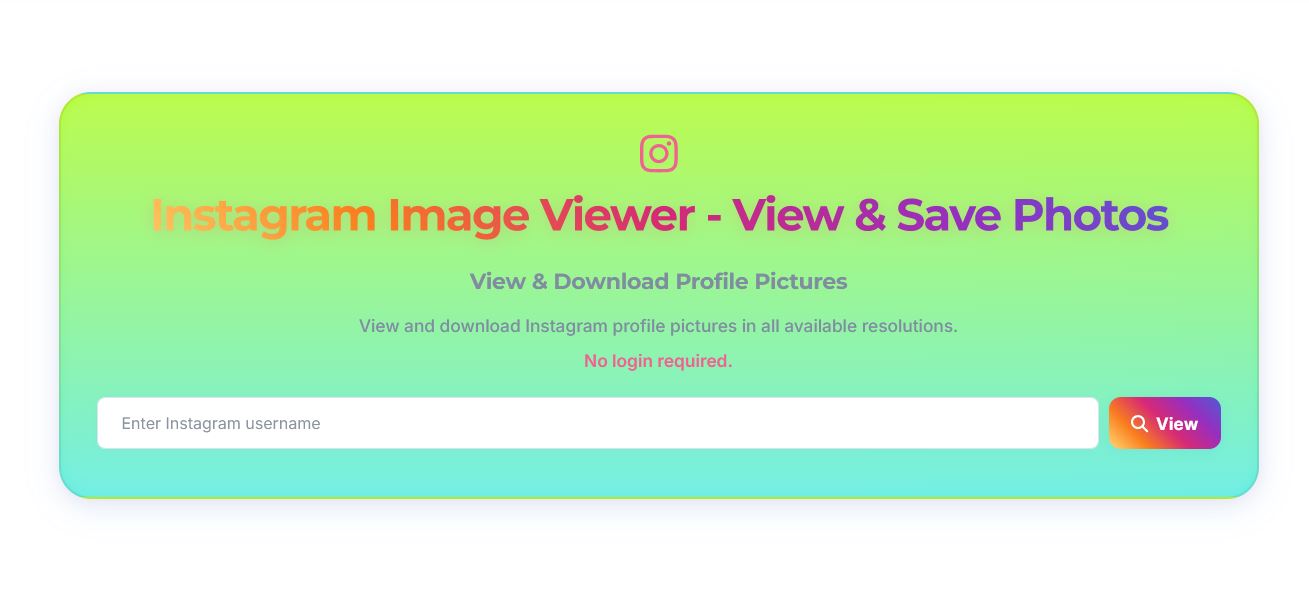
View and Save Instagram Images Quickly
Open public Instagram image content with a focused interface and smooth browsing workflow for fast profile image checks.
- Public image viewing workflow
- Clean preview before saving
- Fast image rendering
- Mobile-friendly layout
- Simple one-click actions
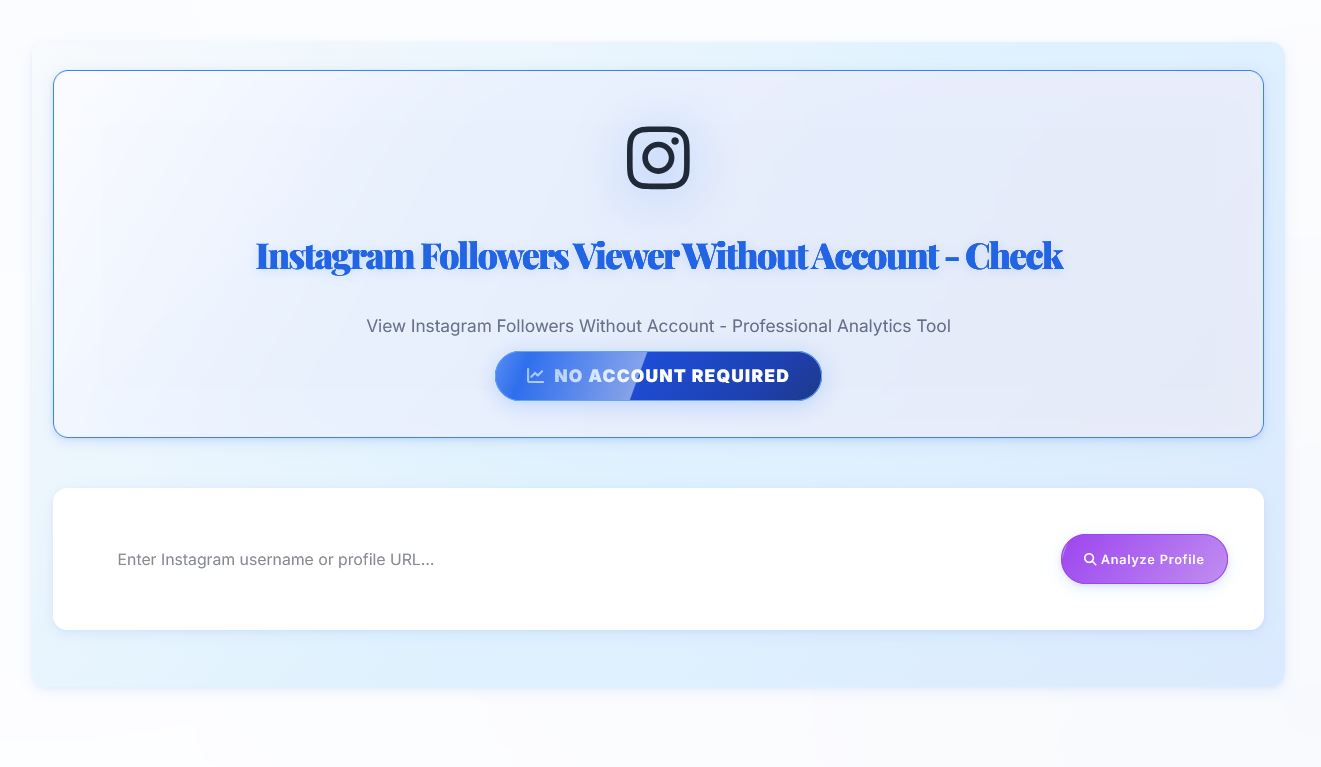
Check Followers Viewer Without Account
Analyze follower and following data from public accounts with a clean workflow and no account requirement. Check the number of followers and following of any public Instagram account.
- No login requirement
- Followers and following checks
- Fast profile analysis
- Simple filtering options
- Responsive on all devices
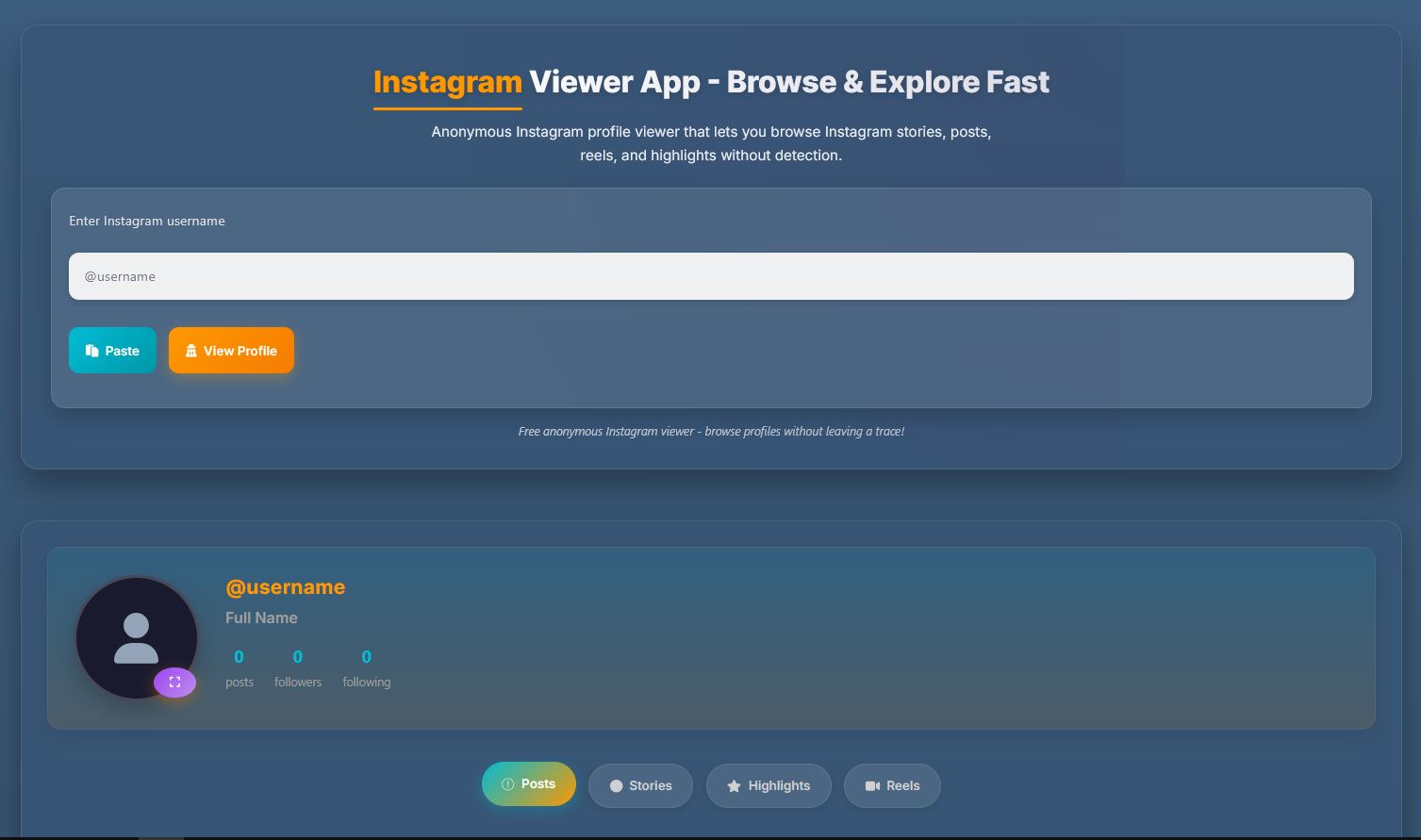
Browse Instagram with App-Style Interface
Use an app-like viewer to explore public profile content including posts, reels, and highlights in one smooth layout.
- App-style profile browsing
- Posts, reels, and highlights access
- Smooth tab-based navigation
- Anonymous-friendly workflow
- Optimized for mobile and desktop
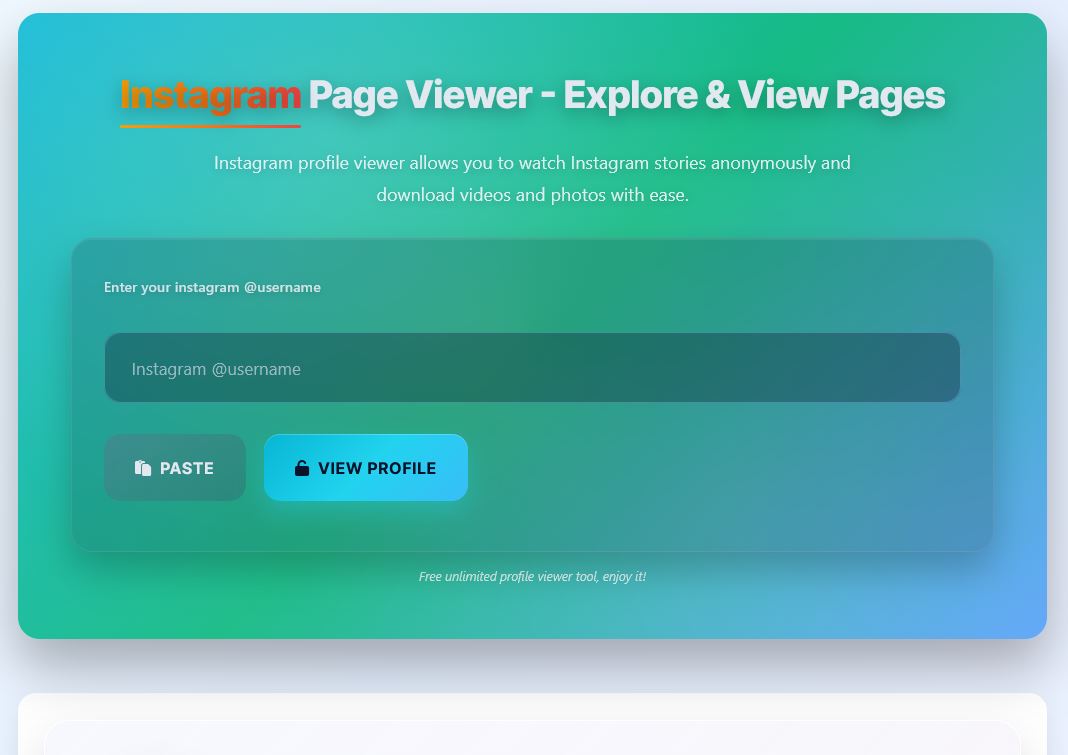
Explore Public Instagram Pages with Ease
Open Instagram page layouts with organized sections so users can review profile content faster and more clearly.
- Full page layout overview
- Posts and reels visibility
- Highlight section access
- Simple and readable UI
- Works well on all devices
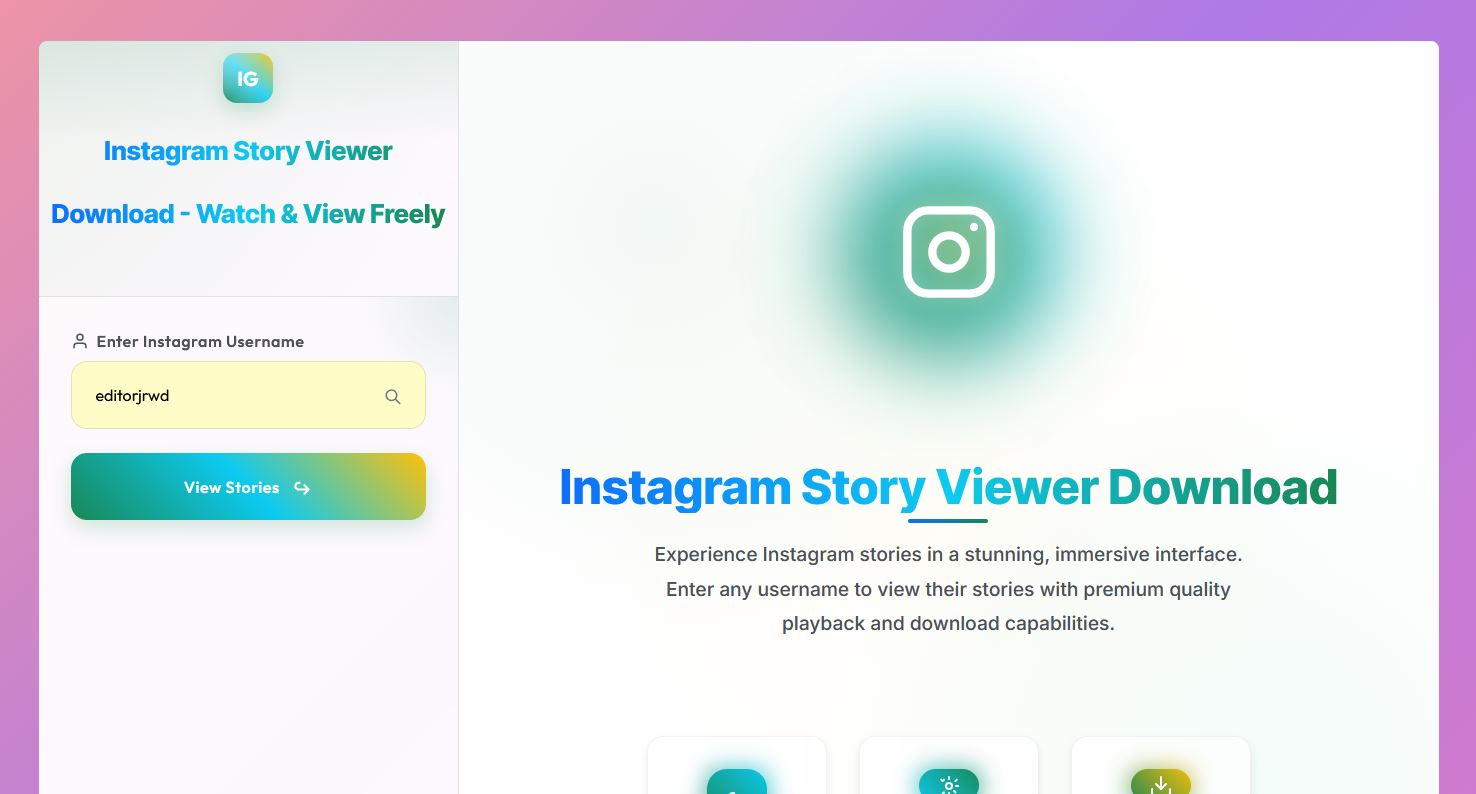
Watch Instagram Stories Freely
View active story updates through a responsive interface designed for quick access and smooth playback.
- Active story playback
- Quick username lookup
- Fast loading performance
- Simple one-page workflow
- Consistent viewer experience
Explore Each Tool in Detail
Switch between tools to see how each component works within the viewer experience.
emma.watson
3 stories · 1h agoalex.design
5 stories · 3h agojames_photo
2 stories · 6h agoStory Viewer
Browse through story content in a clean, organized visual layout. Each story card shows key details at a glance with smooth navigation between entries.
- Clean visual story layout
- Smooth navigation between stories
- Status indicators for freshness
- Quick preview on hover
Profile Viewer
Preview username details with an avatar-style profile card. Get a clean snapshot of basic account information in a well-structured format.
- Username preview display
- Avatar-style profile card
- Basic account details layout
- Quick stats overview
Media Preview
Browse image and video content through a grid-based preview system. Organized media sections make it easy to find specific content quickly.
- Image/video style cards
- Grid-based preview layout
- Organized media sections
- Hover zoom interaction
Recent Searches
sarah.j mike_dev nina_creates alex.designSearch Tool
A smart input design with recent search history and quick clear functionality. The modern search system makes finding profiles effortless.
- Smart input design
- Recent searches history
- Quick clear button
- Auto-suggest support
Get Started in 4 Simple Steps
Follow this straightforward process to preview stories and profiles in seconds.
Enter Username or Profile Link
User starts with a simple search/input box. Just type the username or paste the profile link to begin.
Process the Request
The tool shows a loading or scanning animation while it processes and retrieves the requested profile data.
Preview Story Results
Results appear in clean story cards or dashboard panels. Browse through available stories and media content.
Explore More Details
Users can view profile info, media previews, or related story sections. Dive deeper into any content that interests you.
Ready to Start Viewing?
Jump in and explore stories with a clean, fast, and modern viewer experience.